Download
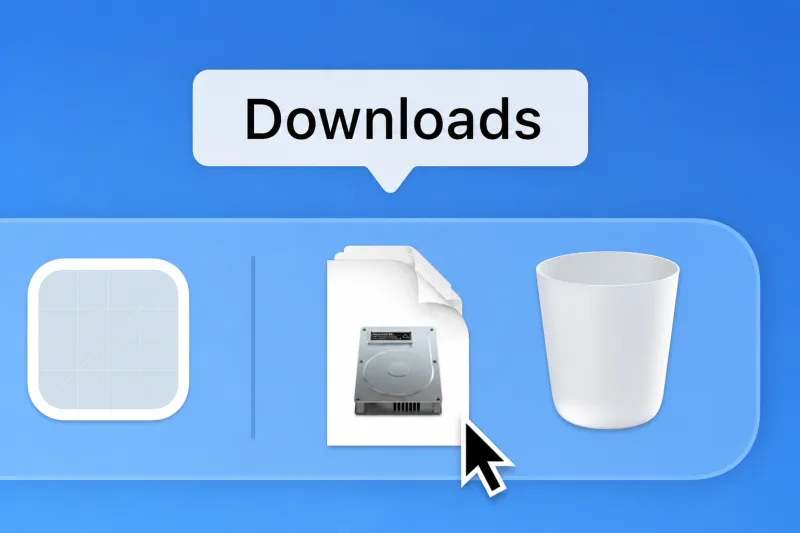
Version 0.4.4. The installer is all there is — nothing downloads on first run. Transcription happens on our servers, so the app needs a connection while you are on a call. Audio is never stored.
macOS · Apple silicon
M1 and newer · macOS 14.2+ · 131 MB
macOS · Intel
2020 and earlier · macOS 14.2+ · 137 MB
Windows
10 and 11, 64-bit · 109 MB
The builds are not code-signed yet, so your system will object once.
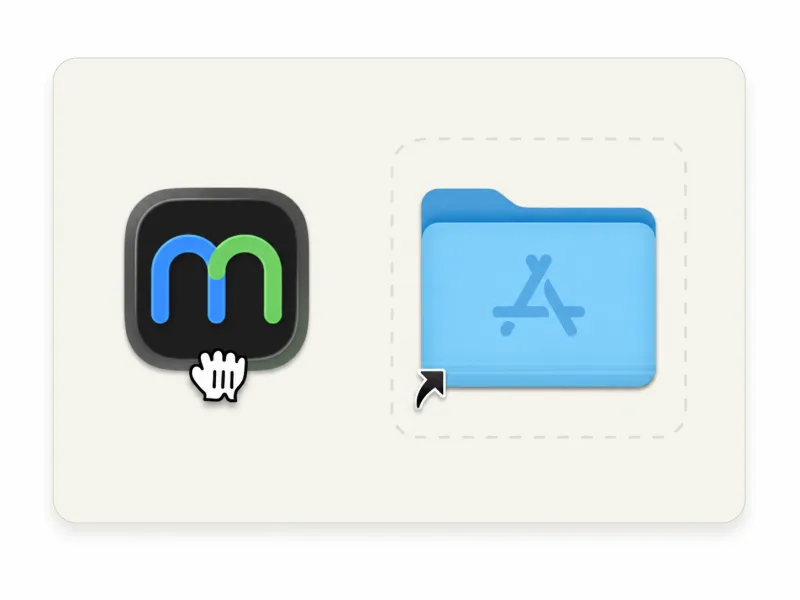
macOS— right-click the app → Open → Open. Or System Settings → Privacy & Security → “Open Anyway”.
Windows — SmartScreen → More info → Run anyway.
If macOS says the app is damaged rather than unverified, it is a build from 0.2.0 or earlier. Download 0.4.4 again, or clear the quarantine flag on the copy you have:
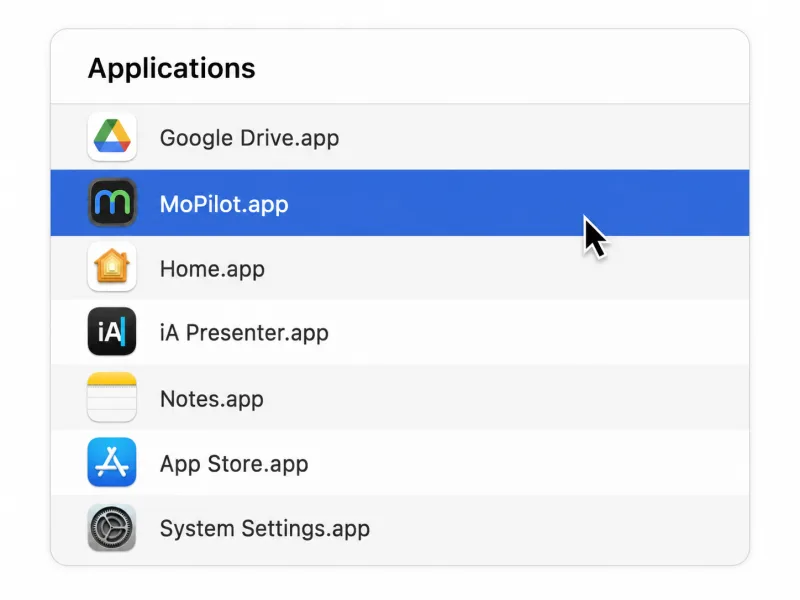
xattr -dr com.apple.quarantine /Applications/MoPilot.appFirst launch
- Sign in with the account you created here — that is what unlocks prompting.
- Pick the language spoken on the call. Multilingual is the default and detects a switch mid-sentence, which is the normal case; you can change it later in Settings.
- macOS only: the first time you press Start listening, macOS asks once for permission to record audio. That is the whole setup — no virtual audio driver, no Multi-Output Device, and your volume keys keep working. Requires macOS 14.2 or newer.
Your audio is sent for transcription and discarded once the line comes back. Sessions keep text only — recordings are never stored.